
In today’s digital world, customer data is like gold. Businesses of all sizes collect names, emails, payment details, and more. But with this data comes a big responsibility: keeping it safe.
A major example is the 2023 MOVEit breach. Over 2,500 organizations were affected, and data from more than 66 million people was leaked. The costs were huge, both financially and in lost trust.
Protecting customer data isn’t just good practice—it’s essential for survival.
This guide will show you the best ways to keep customer data safe in 2025 and beyond. We’ll look at proven methods, practical steps, and new threats to watch out for.
What Makes Customer Data Valuable—and Vulnerable?
The Real Cost of a Data Breach
Trust is key in business. Lose it, and you could lose everything.
In 2024, the average cost of a data breach was $4.88 million—a 10% increase from the previous year. Common causes include weak security, outdated software, and untrained staff.
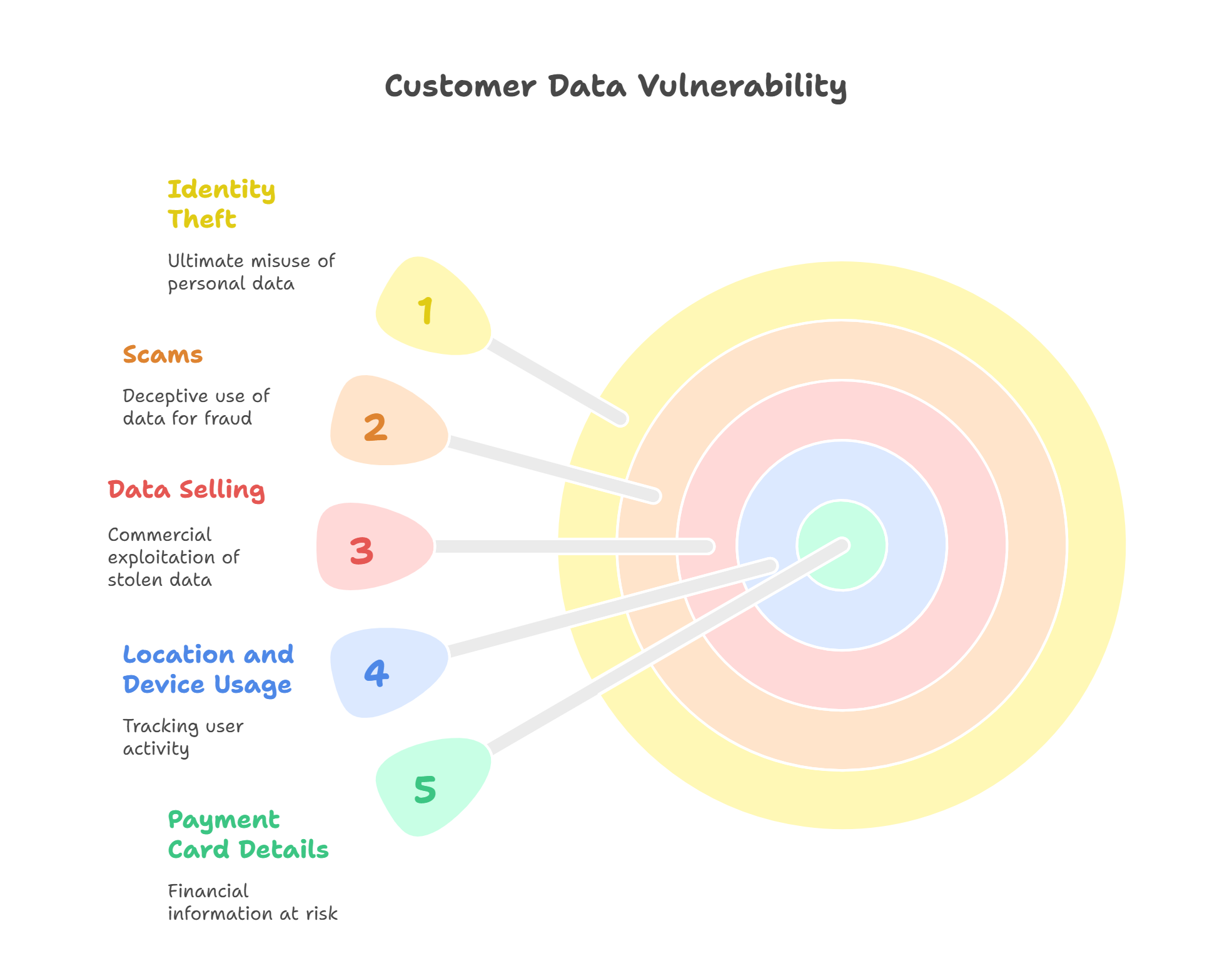
Why Hackers Target Customer Data
Customer data often includes:
-
Full names and email addresses
-
Payment card details
-
Health records (from healthcare and fitness apps)
-
Location and device usage data
Hackers can sell this data, use it for scams, or commit identity theft.
Best Practices for Securing Customer Data
1. Adopt a Zero Trust Security Framework
Zero Trust means “never trust, always verify.” Every user, device, or app must be checked, even inside your network.
Why It Works: Traditional security assumes insiders are safe. But insider threats and hacked accounts are common.
Steps to Take:
-
Use Multi-Factor Authentication (MFA)
-
Limit access based on roles (RBAC)
-
Monitor user activity constantly
2. Encrypt Everything—At Rest and In Transit
Encryption turns readable data into code, making it useless if stolen.
Why It’s Effective: Even if hackers get in, they can’t read encrypted data without the key.
Must-Haves:
-
Use AES-256 encryption for stored data
-
Apply TLS 1.3 for secure web communication
-
Protect encryption keys with secure hardware
3. Regularly Update Software and Patch Vulnerabilities
Old software is a big security risk. Over 60% of breaches are linked to unpatched software.
Why It’s Crucial: Hackers look for known weaknesses in outdated software.
Tip: Use tools that automatically update and patch your software.
4. Train Employees to Spot Social Engineering Attacks
Security isn’t just an IT issue—it’s everyone’s job.
Why It Works: People are often the weakest link. Scams trick them using urgency or fear.
Training Topics:
-
Spotting suspicious emails and links
-
Creating strong passwords
-
Reporting issues quickly
5. Implement Strong Data Retention and Deletion Policies
Not all data needs to be kept forever.
Why It Matters: Keeping unnecessary data increases risk. Less data means less to protect.
Best Practices:
-
Set clear timelines for keeping data
-
Automatically delete old or inactive records
-
Let customers request data deletion
6. Use Cloud Services That Are Secure by Design
Moving to the cloud? Choose wisely.
Why It Works: Good cloud providers invest heavily in security.
Look for:
-
Compliance with standards like ISO/IEC 27001 or SOC 2
-
Built-in security tools
-
Control over where your data is stored
Industry-Specific Tips for Customer Data Security
E-Commerce
-
Use secure payment gateways (e.g., Stripe, PayPal)
-
Replace card details with tokens
-
Follow PCI DSS standards
Health and Wellness Apps
-
Encrypt health data from end to end
-
Follow laws like HIPAA or GDPR
-
Offer opt-in and opt-out choices
Pet-Sitting Business Example (Unique Niche)
Pet-sitting has grown fast, especially as people return to work but want their pets cared for. In 2025, it’s expected to be a $3.21 billion market.
Skills Needed:
-
Basic animal care and emergency knowledge
-
Trustworthiness and background checks
-
Ability to manage online bookings and payments
Security Focus:
-
Collect only necessary info (name, pet details, emergency contact)
-
Use secure third-party tools for payments
-
Protect home addresses and keys with secure systems
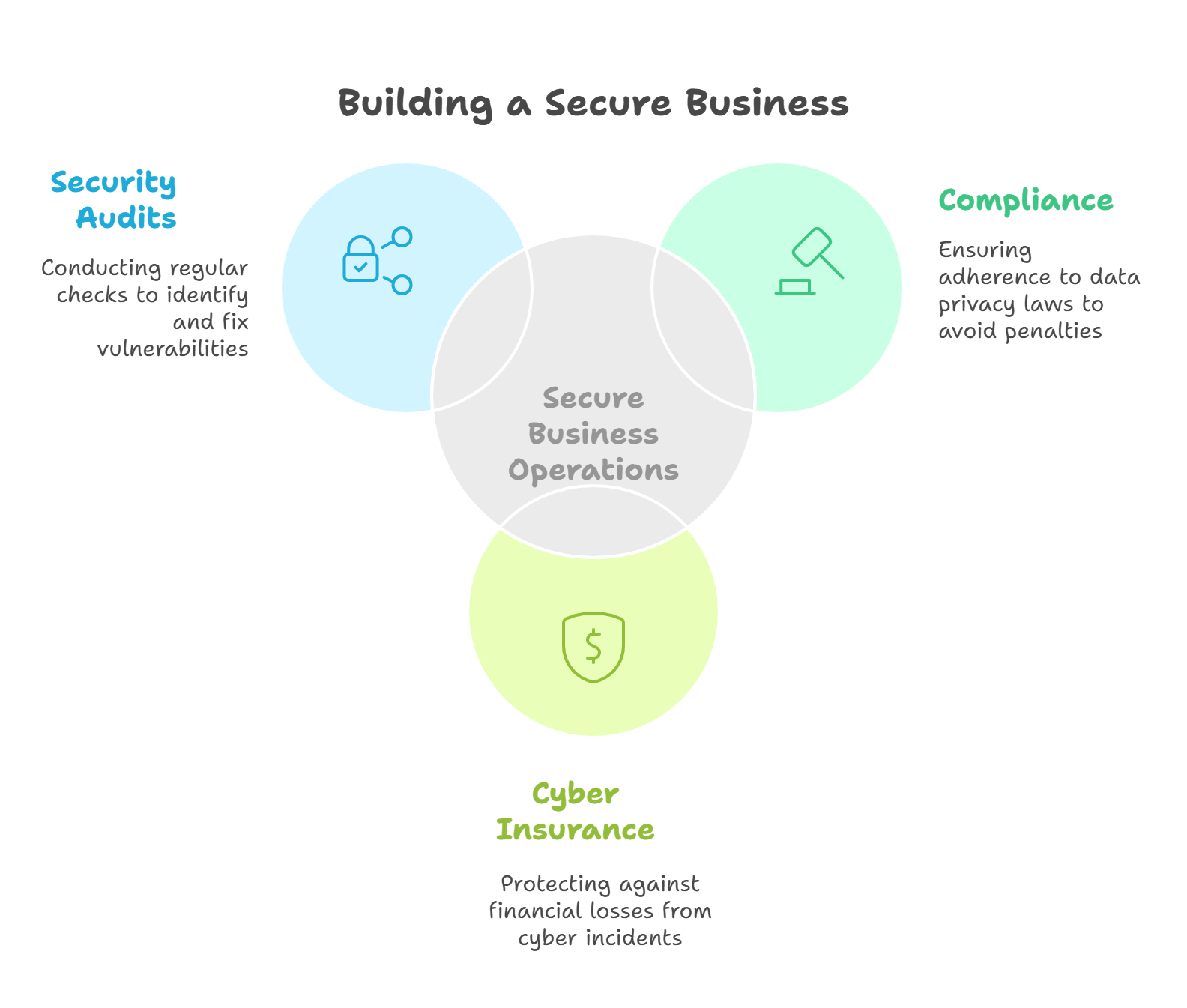
Key Factors to Keep in Mind While Running a Secure Business
1. Compliance Is Not Optional
Stay updated with data privacy laws like GDPR, CCPA, and others. Breaking these can lead to big fines.
2. Invest in a Cyber Insurance Policy
If something goes wrong, cyber insurance can help cover legal fees, notifications, and reputation repair.
3. Conduct Annual Security Audits
Regular checks by outside experts can find hidden problems in your security.
Conclusion: Data Security Is a Trust-Building Strategy
Protecting customer data isn’t just about defense—it’s about building trust. A secure business is a trusted business. Customers will choose companies that respect their privacy.
Make cybersecurity a core value. Train your team, invest in the right tools, and set clear policies.
In 2025, trust is the key to customer loyalty. Protect it like you would protect gold.
FAQs About Securing Customer Data
What’s the Easiest Way to Start Securing My Customer Data?
Start with multi-factor authentication (MFA) and strong password rules. They’re low-cost and very effective.
How Can Small Businesses Afford Cybersecurity?
Many tools offer affordable plans for small teams. Also, cloud platforms often include built-in security features.
What If I Don’t Collect Sensitive Data?
Even basic info like emails and names can be used in scams. Any personal data needs protection.
Sample Calculation: Estimating Breach Cost
If your business has 10,000 customers and suffers a breach:
-
Cost per record: $165
-
Total cost: 10,000 × $165 = $1,650,000
This doesn’t include lawsuits, lost reputation, or recovery costs.
🔐 Want to Protect Your Business?
Download our Cybersecurity Starter Kit for Small Businesses. Learn easy steps to keep your data safe.
Stay secure. Stay trusted. Because in today’s world, your customers deserve nothing less.

