Why Cybersecurity Is Essential for Every Business
In today’s world, protecting your data is more important than ever. Cyberattacks are on the rise, and it’s critical for businesses and individuals to secure their information. Firewalls and intrusion prevention systems (IPS) are two key tools in any cybersecurity plan. These tools are your first defense, helping to keep your network safe from cyber threats.
In this article, we will explain how firewalls and IPS work, why they are important, and how they can protect your data. Whether you’re an individual or a business owner, this guide will help you make better decisions for your cybersecurity.
What Is a Firewall?
Definition and Function of Firewalls
A firewall is a tool that monitors and controls the traffic entering and leaving your network. It uses rules to decide what traffic is allowed and what should be blocked. A firewall acts as a barrier between your network and the Internet. Its job is to stop unauthorized access to your network.
Types of Firewalls
-
Hardware Firewalls: These are physical devices that protect your network from external threats. They are used by larger businesses and data centers.
-
Software Firewalls: These are installed on devices like computers and smartphones. They are used for personal protection or in smaller organizations.
-
Cloud Firewalls: Cloud firewalls provide security over the cloud. They offer flexible protection without needing physical hardware.

How Firewalls Protect Your Network
Firewalls filter traffic based on rules. These rules decide what types of traffic are allowed or blocked. Some key functions of firewalls are:
-
Packet Filtering: This checks data packets against security rules. If the packet matches the rule, it’s allowed; otherwise, it’s blocked.
-
Stateful Inspection: This method goes further than packet filtering. It checks whether the packet is part of an established connection, which boosts security.
-
Proxying: Firewalls can forward requests from users to servers. This helps keep your internal network hidden from external threats.
What Is an Intrusion Prevention System (IPS)?
Understanding Intrusion Prevention Systems
An intrusion prevention system (IPS) is a technology that helps detect and stop malicious activities inside your network. Unlike firewalls, which focus mainly on filtering traffic, an IPS looks for suspicious behavior and takes steps to block potential threats in real-time.
How IPS Works
-
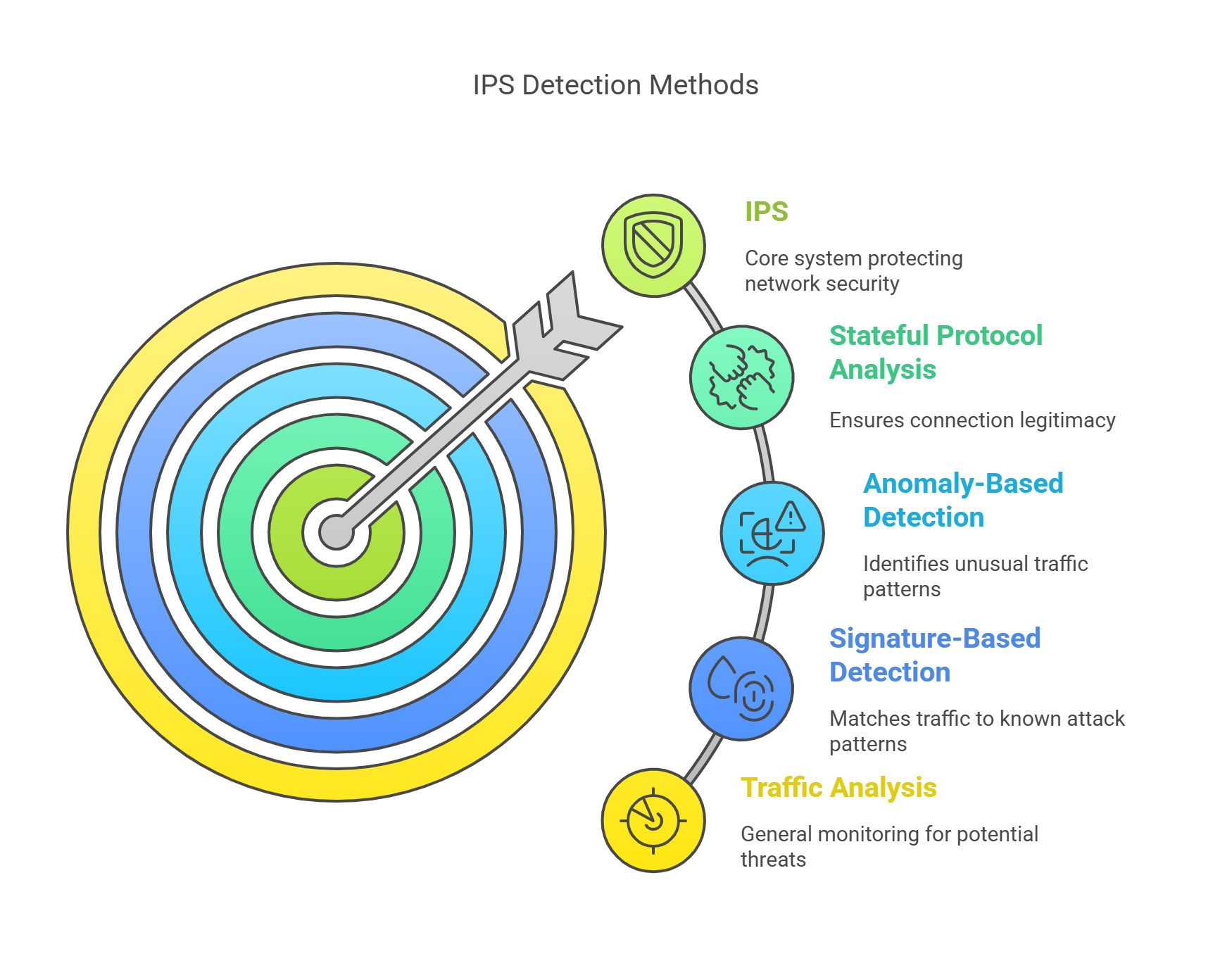
Traffic Analysis: IPS checks network traffic for signs of an attack. It looks for unusual patterns or requests that could signal an issue.
-
Signature-Based Detection: This method uses a database of known attack patterns. If a packet matches a pattern, the IPS blocks it.
-
Anomaly-Based Detection: This method compares traffic to a normal baseline. If something seems odd, the IPS will block it.
-
Stateful Protocol Analysis: Like firewalls, an IPS checks the state of connections to ensure the traffic is legitimate.
Firewalls vs. IPS: Key Differences and Complementary Roles
Firewalls and IPS: Working Together for Complete Protection
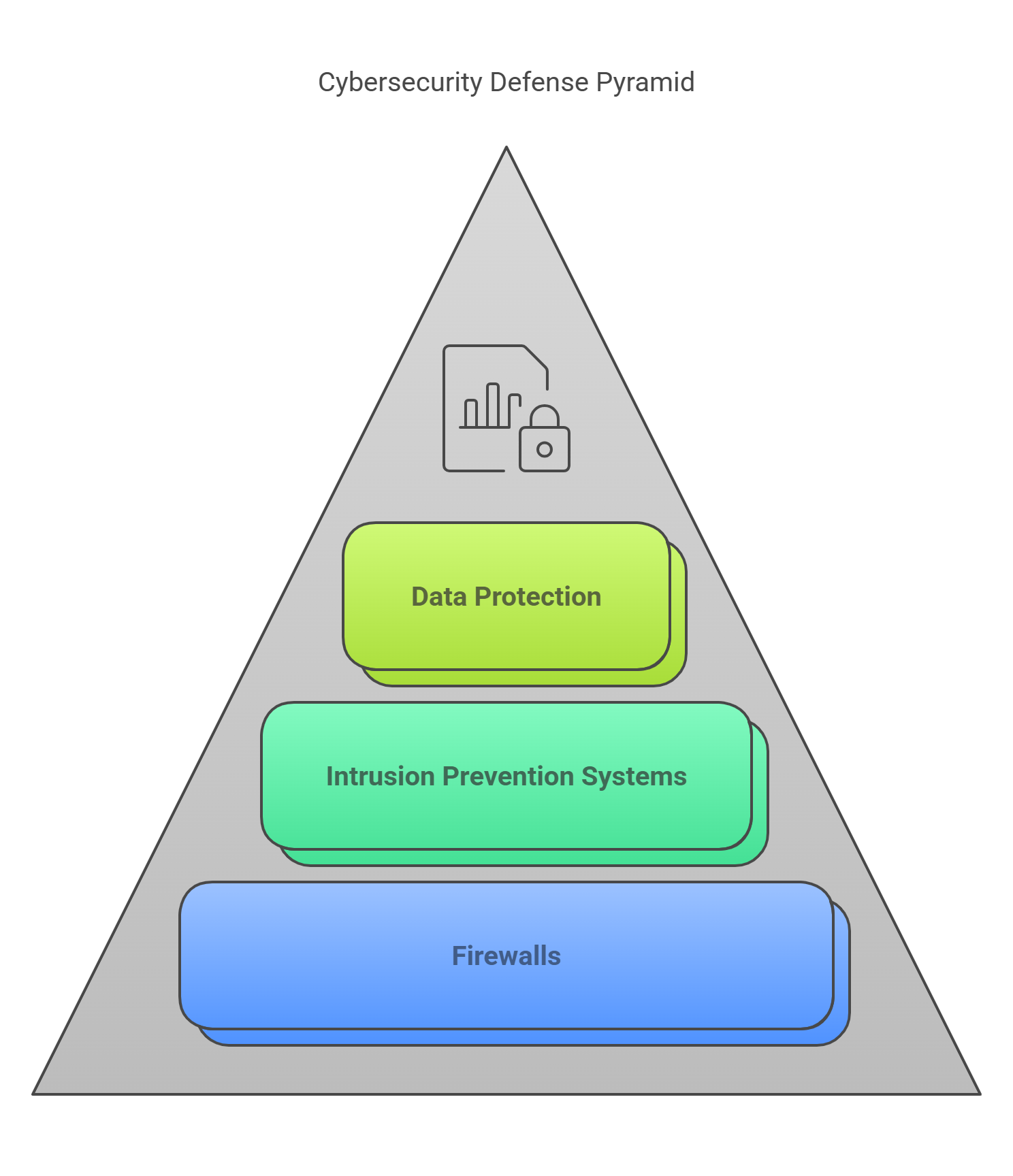
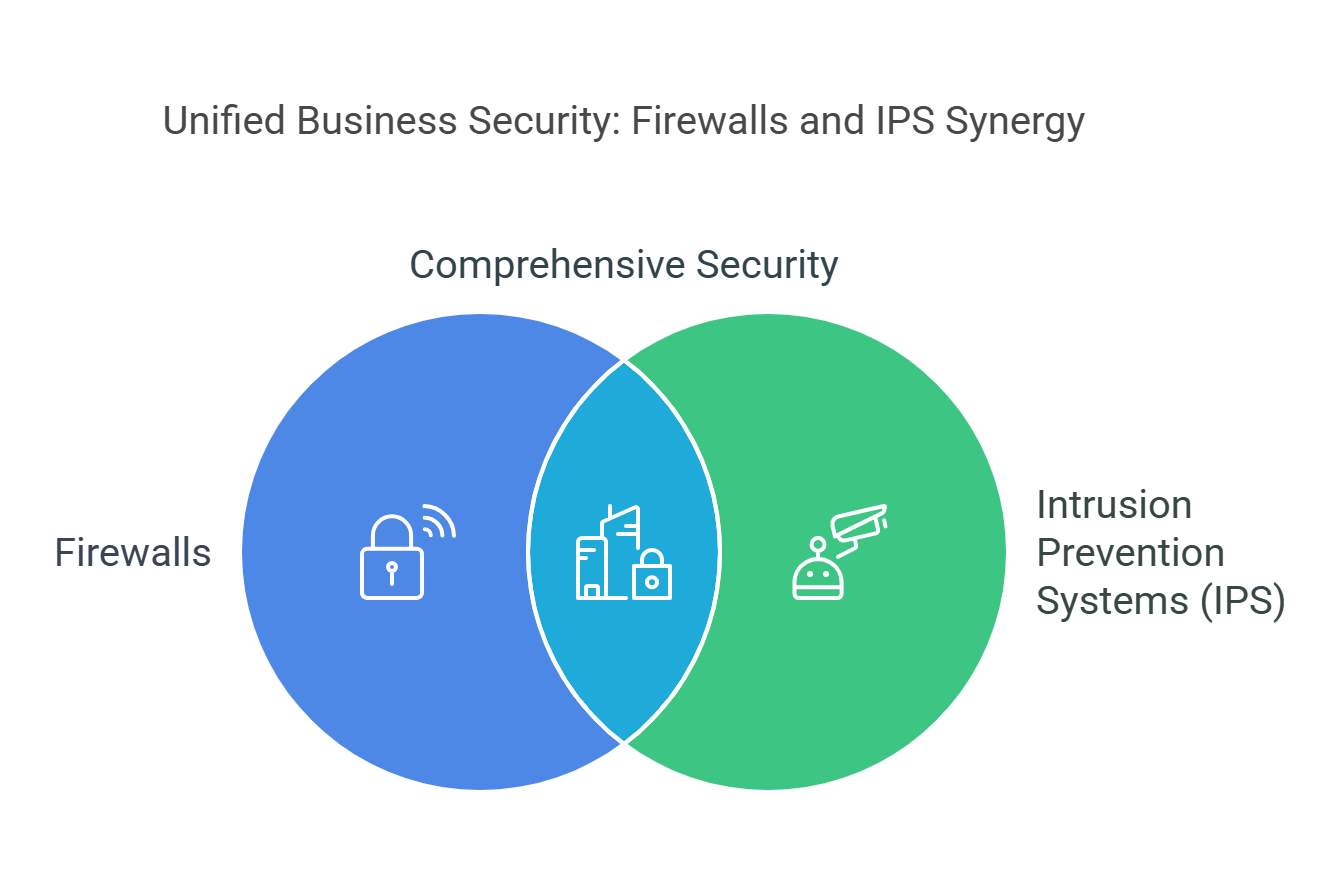
Both firewalls and IPS are crucial in protecting a network, but they serve different purposes. Firewalls focus on blocking unwanted traffic, while an IPS detects and stops threats that have already entered the network.
-
Firewalls stop unwanted traffic from external sources.
-
IPS identifies and blocks attacks already inside the network.
Together, they provide multiple layers of protection, making it harder for threats to succeed.
Benefits of Firewalls and IPS for Businesses
Why Every Business Needs Both
For businesses, especially those with sensitive data, strong security is essential. Here’s how firewalls and IPS benefit businesses:
-
Prevent Data Breaches: Firewalls block unauthorized access, and an IPS stops malicious activities inside the network.
-
Improve Network Performance: Firewalls filter unnecessary traffic, helping your network run more efficiently.
-
Lower the Risk of Cyberattacks: IPS systems detect and block threats in real-time, preventing damage before it happens.
-
Ensure Compliance: Many industries have rules (like GDPR or HIPAA) for protecting data. Firewalls and IPS help you follow these rules.
Enhancing Network Reliability and Uptime
Cyberattacks can lead to expensive downtime. Firewalls and IPS help keep networks secure, ensuring your systems stay up and running.
Best Practices for Setting Up Firewalls and IPS
Configuring Firewalls Correctly
To get the most from your firewall, follow these best practices:
-
Set Strong Rules: Make clear, specific rules that allow only legitimate traffic.
-
Keep Definitions Updated: Cyber threats change often, so update your firewall rules regularly.
-
Limit Incoming Traffic: Restrict unnecessary incoming connections to reduce risk.
Implementing an IPS
To set up an IPS properly:
-
Update Signatures Regularly: Like firewalls, IPS needs updated signatures to stay effective.
-
Adjust Detection Sensitivity: Fine-tune the IPS to avoid false alarms but still catch real threats.
-
Monitor Alerts: Keep track of IPS alerts to respond quickly to threats.
Popular Firewalls and IPS Brands
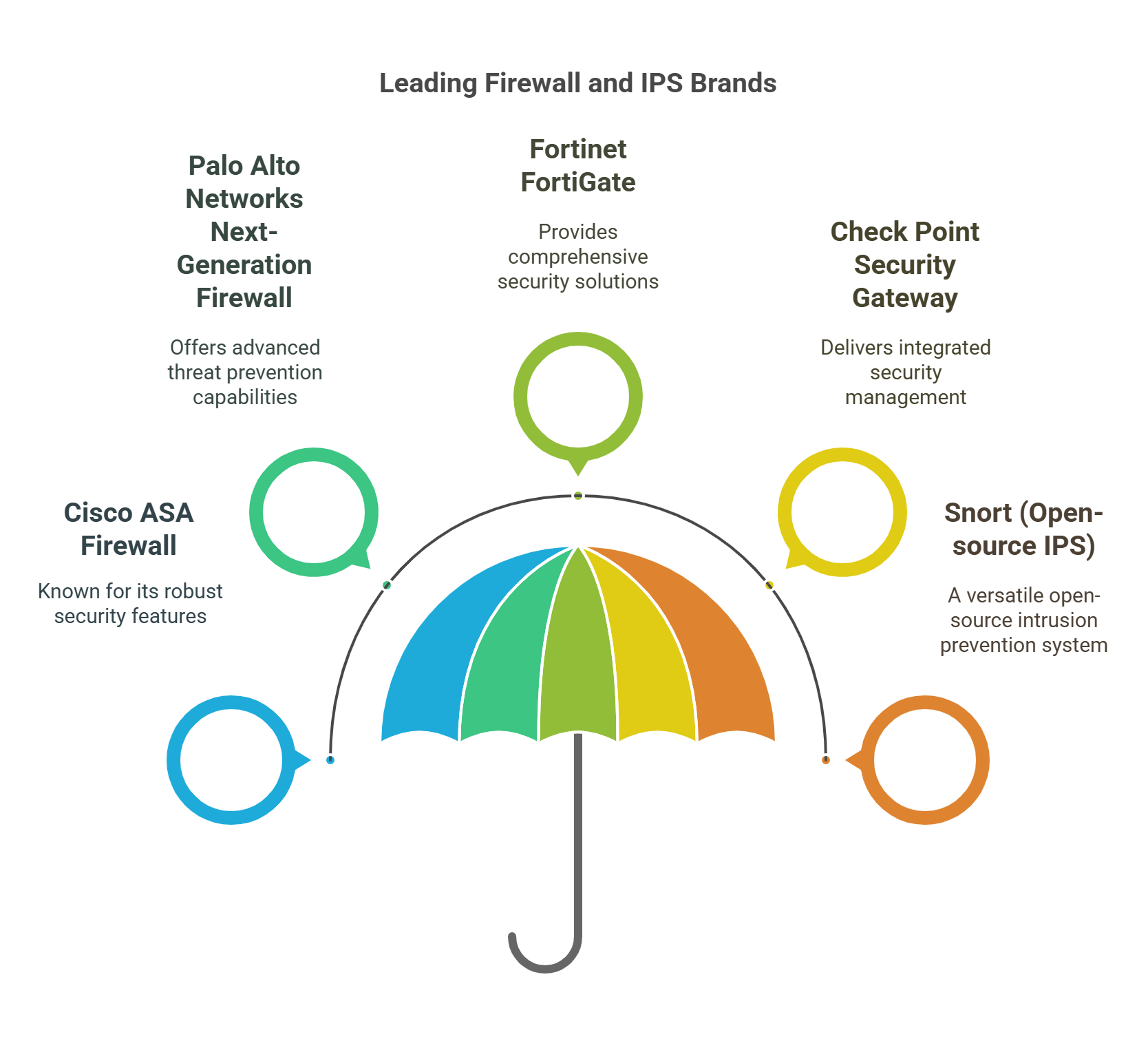
Here are some trusted brands for firewalls and IPS systems:
-
Cisco ASA Firewall
-
Palo Alto Networks Next-Generation Firewall
-
Fortinet FortiGate
-
Check Point Security Gateway
-
Snort (Open-source IPS)
These brands offer different features, so it’s important to choose the one that fits your needs.
Frequently Asked Questions (FAQ)
What’s the difference between a firewall and an IPS?
A firewall filters traffic, while an IPS detects and prevents malicious activities inside the network.
Do I need both a firewall and an IPS?
Yes, both are necessary. Firewalls block unwanted traffic from outside, and IPS detects and blocks threats inside the network.
Can an IPS replace a firewall?
No, an IPS can’t replace a firewall. Both work together to offer complete protection.
How often should I update my firewall and IPS?
Both systems should be updated regularly to ensure they protect against new threats.
Conclusion: Secure Your Network Today
In the fast-moving world of cybersecurity, firewalls and IPS are essential parts of your defense plan. They protect your network from both external and internal threats, helping your business stay safe and efficient. By using these technologies and following best practices, you can reduce the risk of cyberattacks, protect your data, and comply with industry regulations.
Start evaluating the best firewall and IPS solutions for your business today. Protect your network, improve performance, and secure your future.