
Why Do Passwords Still Matter Today?
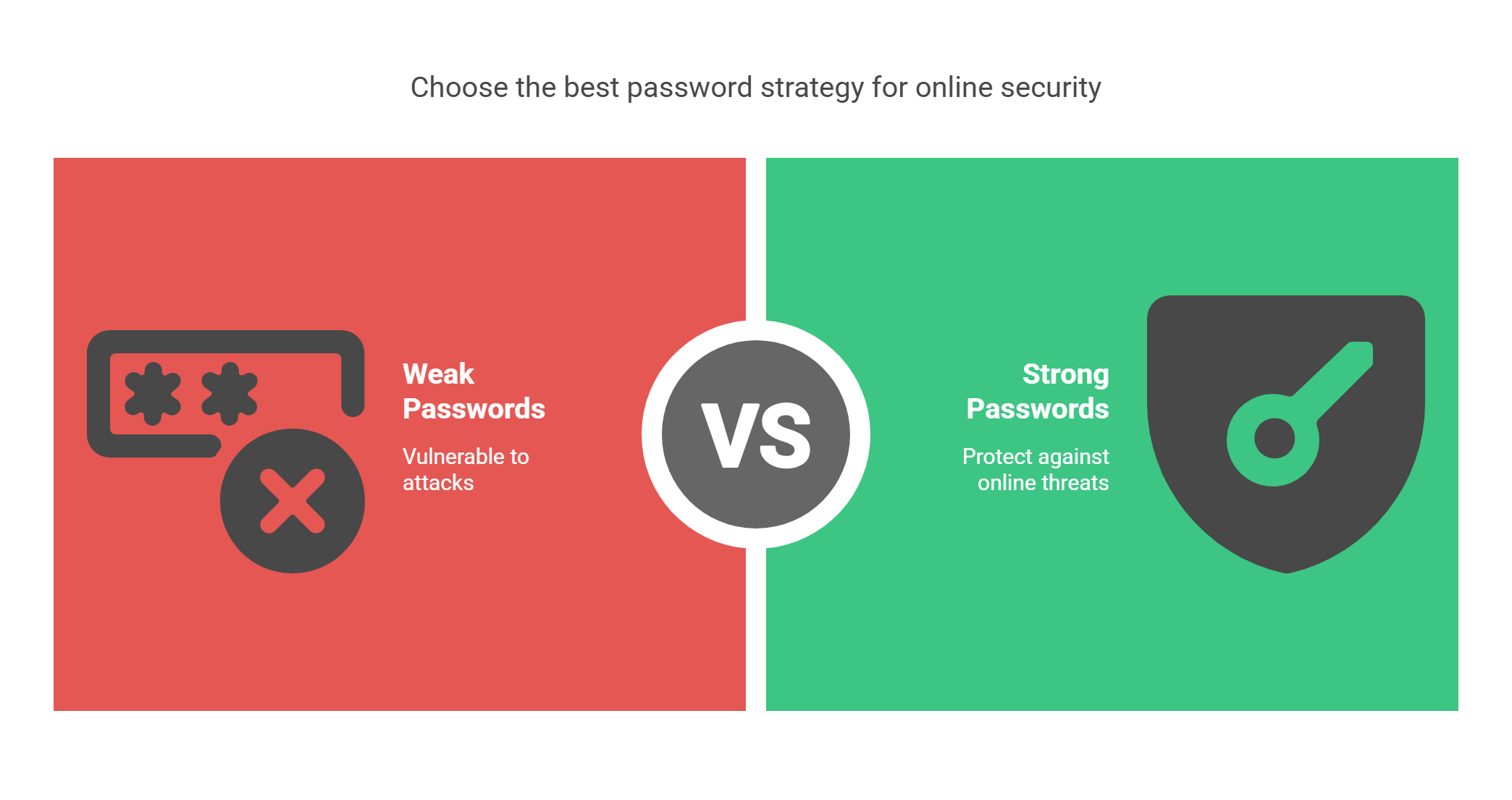
We live online. We shop, chat, and bank on the internet. To do these things safely, we need good passwords. A bad password is like a weak lock. It may look okay, but it won’t stop a thief.
Even with Face ID or two-step login, passwords still help a lot. A strong password can stop many online attacks.
This guide will show you how to create and manage strong passwords. It’s for anyone who wants to stay safe online.
What Is A Password Policy?
A password policy is a set of simple rules. These rules help you make good passwords. They may say:
- Use at least 8 characters.
- Mix letters, numbers, and symbols.
- Change your password often.
- Don’t reuse old passwords.
These rules help stop hackers.
Why Are Password Policies Important?
1. They Help Block Attacks
Hackers try to guess passwords. They use tools to test many passwords quickly. Strong rules make this hard.
2. They Keep You Legal
Some jobs must follow safety laws. These include GDPR, HIPAA, and ISO. Good password rules help you follow these laws.
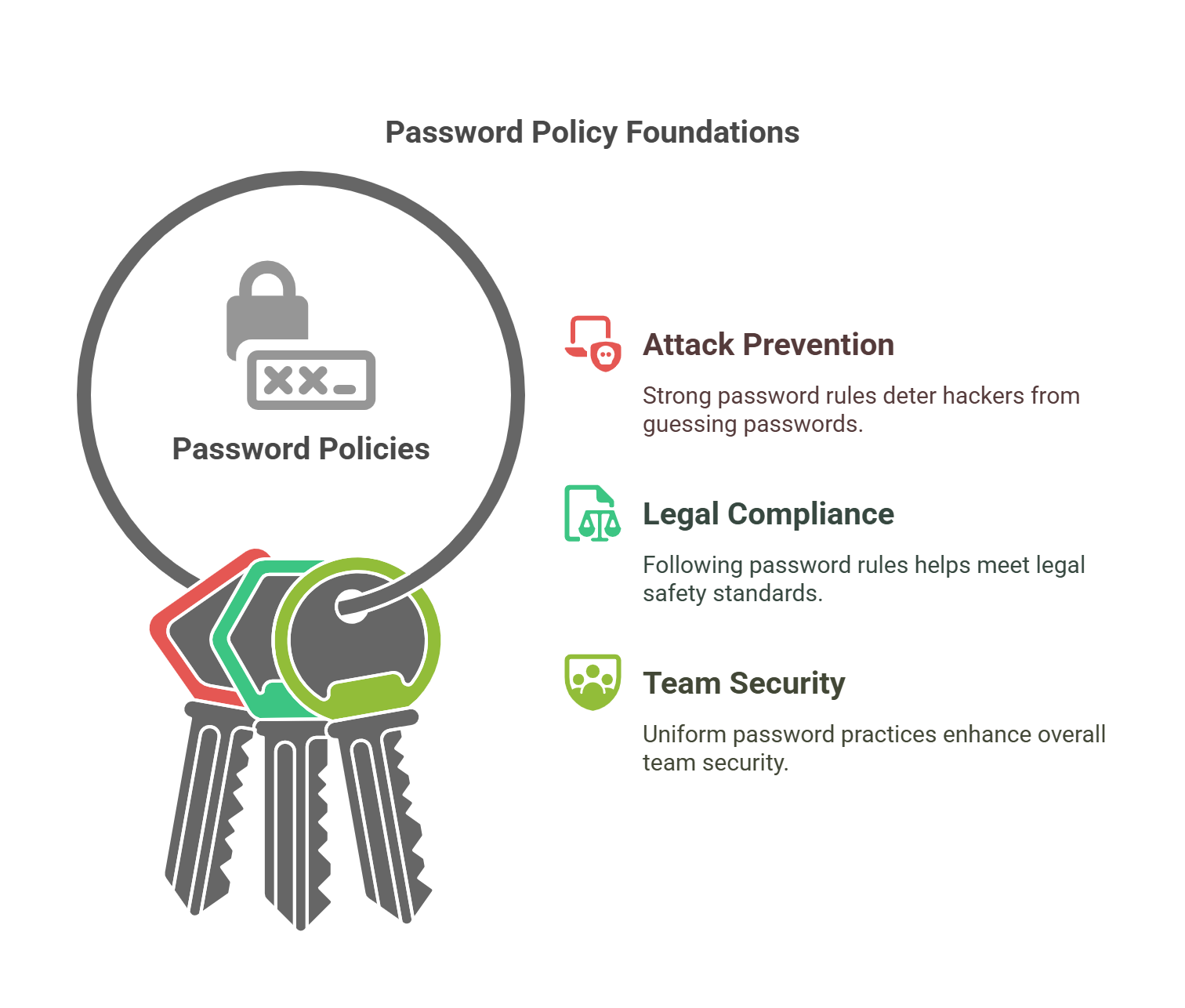
3. Everyone Plays By The Same Rules
If everyone uses strong passwords, the whole team is safer. Rules keep things fair and clear.
What Makes A Password Strong?
A good password is:
- Long (at least 12 characters)
- Not a real word
- Full of different things like
A,7,#, andz
Bad Example: password123
Good Example: J8m@R#2!eXq7
Avoid using your name, birthday, or easy words. Hackers try those first.
Common Password Mistakes
Avoid these:
- Reusing the same password everywhere
- Using short passwords
- Not changing passwords
- Writing passwords on sticky notes
If one account is hacked, reused passwords put all your other accounts at risk.
Tools That Can Help You
1. Password Managers
These apps save your passwords. You only need to remember one main password. They can also make strong new passwords for you.
Popular Options:
- Bitwarden (Free and safe)
- LastPass
- 1Password
2. Two-Factor Login (2FA)
This adds a second step. After your password, you enter a code sent to your phone or app. Even if someone knows your password, they still can’t log in.
Best Practices For Home Users
- Use a password manager.
- Turn on 2FA for all accounts.
- Use a different password for each account.
- Update passwords every 6 months.
Best Practices For Businesses
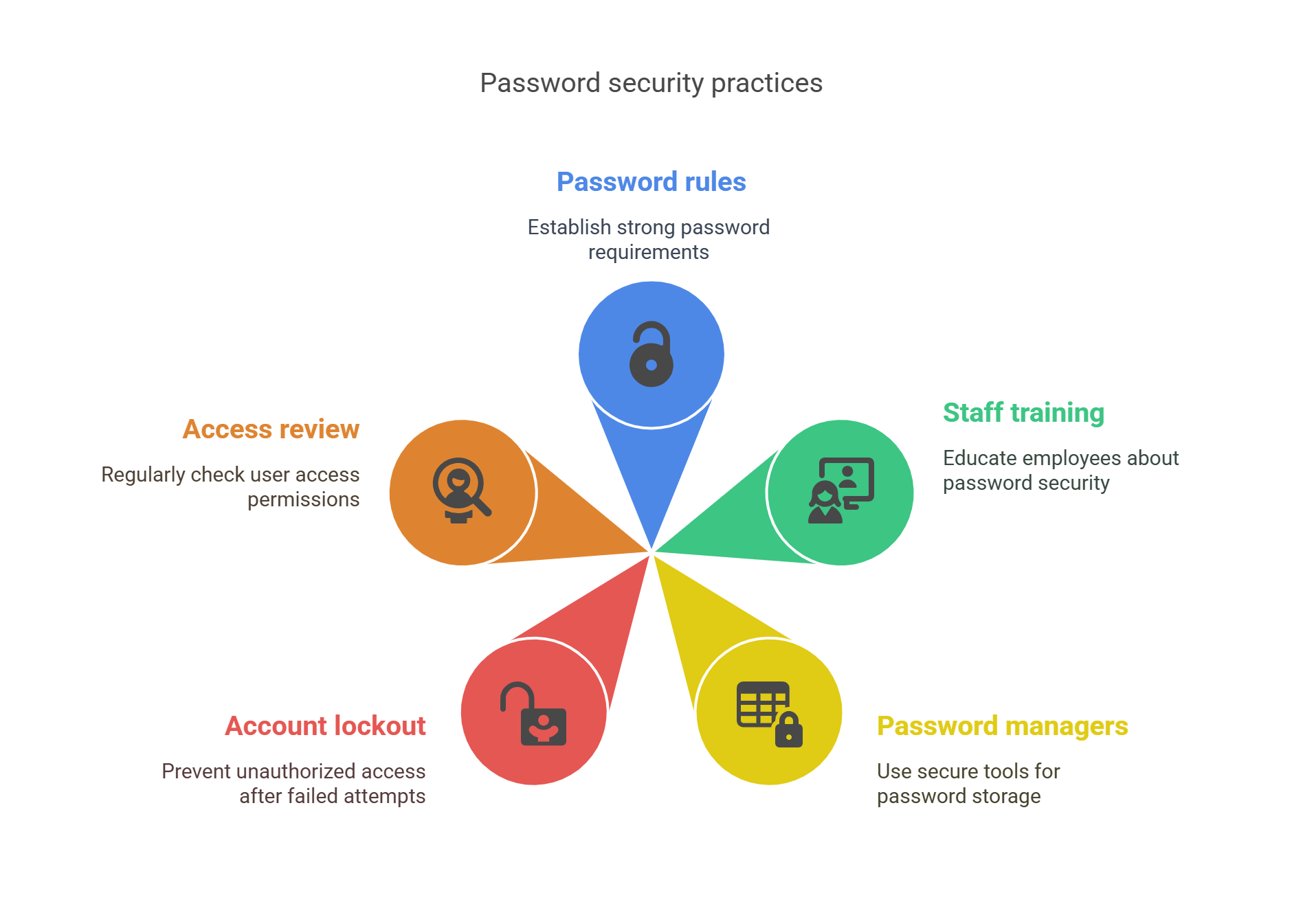
- Set company-wide password rules.
- Train staff on password safety.
- Use business-grade password managers.
- Lock accounts after failed login tries.
- Review who has access every month.
FAQs
Why should I avoid using the same password?
If one account is hacked, all other accounts using that password are at risk.
How often should I change my passwords?
Every 3 to 6 months is a good rule. Sooner if there’s a data breach.
Are password managers safe?
Yes. They use strong encryption. Just make sure you choose a trusted one.
Can I write down my password?
It’s not ideal. If you must, keep it locked in a safe place—not your desk.
Simple Math: How Safe Is A Strong Password?
Let’s say your password has:
- 12 characters
- Uses upper, lower, numbers, and symbols
That gives over 400 trillion possible combinations.
Compare that to a 6-character password with just letters: only 308 million combinations.
Hackers can guess the short one in minutes. The longer one could take years to crack.
Final Words: Take Action Today
Your online safety starts with one thing—your password. Make it strong. Keep it safe. Follow the rules.
Don’t wait. Update your passwords now. Use a manager. Turn on 2FA. Share this with others.
Stay safe. Stay smart. Protect your digital life.