
What Is IAM?
Identity and Access Management (IAM) is a way to control who can use what in a computer system. It checks if people are who they say they are. Then, it lets them in or keeps them out.
Think of IAM like a smart lock on a door. It opens only for the right people. If someone else tries to get in, it stays locked.

Why Is IAM Important?
Keeping information safe is very important. Companies have lots of private data. IAM helps keep that data safe.
With IAM, only the right people can:
- See private data
- Change settings
- Use apps and tools
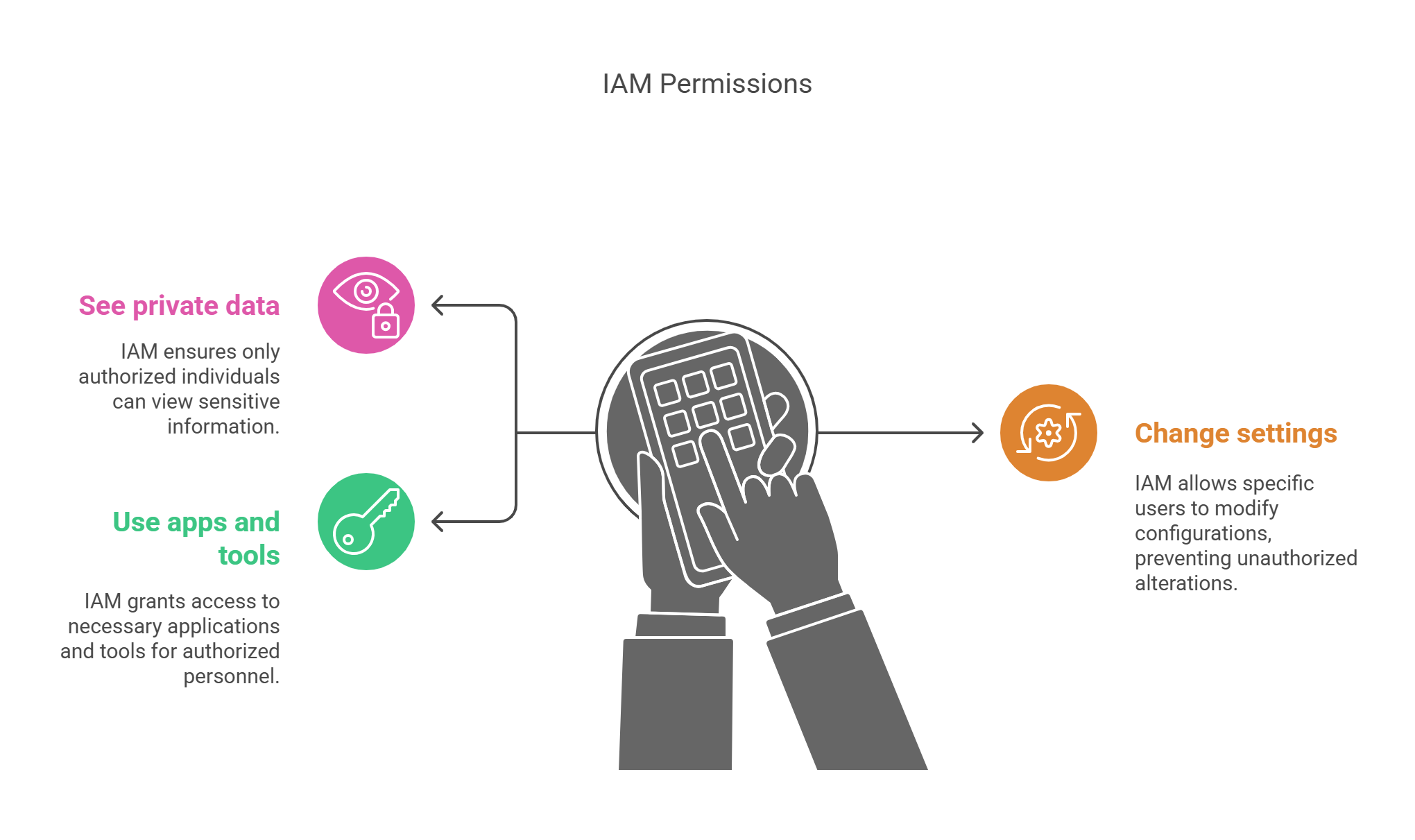
This stops hackers and mistakes. It keeps things simple and safe.
How Does IAM Work?
IAM does a few key jobs:
1. Checking Who You Are
This is called authentication. You may:
- Type a password
- Scan a face or fingerprint
- Use a special app
IAM checks these to make sure it’s really you.
2. Giving The Right Access
This is called authorization. Once you log in, IAM checks what you can do. Maybe you can only see one file, or maybe you can see many things. IAM decides that based on your role.
3. Watching What You Do
IAM also keeps a record. It logs who did what and when. This is called audit logging. It helps find problems fast.
Benefits Of IAM
1. Better Security
IAM stops people from getting into places they shouldn’t. If someone tries something odd, IAM can block them right away.
2. Saves Time
Adding a new person? IAM sets up their access fast.
Someone leaving? IAM turns off their access right away.
This keeps the system clean and safe.

3. Meets Laws And Rules
Some rules, like GDPR or HIPAA, say data must be kept safe. IAM helps follow those rules. It makes sure only the right people can see private data.
Where Do We Use IAM?
IAM is used everywhere:
- In banks
- In hospitals
- At schools
- In offices
- On websites
Any place that keeps digital data can use IAM.
IAM Tools You May Know
Many tools help with IAM. Some are:
- Microsoft Azure Active Directory
- Okta
- Auth0
- Google Cloud IAM
- AWS IAM
These tools make IAM easy for companies.
Common IAM Features
Single Sign-On (SSO)
Log in once and use many apps. No need to type passwords again and again.
Multi-Factor Authentication (MFA)
Use more than one way to log in. For example, a password + a phone code.

Role-Based Access Control (RBAC)
Access is based on your job. A manager may see more than a clerk.
User Lifecycle Management
Add, change, or remove users quickly. This keeps the system up to date.
IAM Challenges
IAM is helpful, but it has challenges:
- It must work all the time
- It must stay up to date
- People must use strong passwords
- Users need training
Still, IAM is worth it. It protects what matters most.
Let’s Break It Down With An Example
Imagine a school. IAM helps:
- Teachers see class tools
- Students join online lessons
- Admins manage fees and grades
Each person sees only what they need. Nothing more.
FAQs
What Is The Main Goal Of IAM?
To let the right people in and keep others out.
Is IAM Only For Big Companies?
No. Small businesses, schools, and even home networks can use it.
What Happens If IAM Fails?
People might get in who shouldn’t. Or, real users may get locked out. That’s why IAM must be strong and simple.
Can IAM Work With Cloud Systems?
Yes. Most cloud tools, like Google or AWS, support IAM features.
Let’s Do A Simple IAM Benefit Calculation
Example
A company has 100 workers. If IAM saves just 10 minutes per worker each week, that’s:
100 workers × 10 minutes = 1,000 minutes/week
1,000 minutes ÷ 60 = 16.7 hours/week saved
That’s over 65 hours saved every month!
Time saved is money saved.
Final Thoughts: IAM Is A Must-Have
IAM is not just a tech tool. It’s like a gatekeeper for your digital world.
It helps:
- Keep things safe
- Make work faster
- Follow rules
In today’s world, IAM is a must. Whether you run a school, a shop, or a big company, IAM keeps your systems clean, clear, and safe.