

What Is Vulnerability Scanning?
Vulnerability scanning is a way to check if your computer or network is safe. It looks for weak spots that hackers could use. These weak spots are called vulnerabilities. A scanner finds them, so you can fix them before someone attacks.
Why Should You Scan Often?
New threats come out every day. If you only scan once, you might miss something new. Scanning often helps you catch problems early. That way, you can fix them fast and stay safe.
Here’s why regular scanning is smart:
- New dangers pop up often. Hackers always try new tricks.
- You make changes. Installing new apps or updates can create new risks.
- Old fixes may break. System updates can undo past security work.
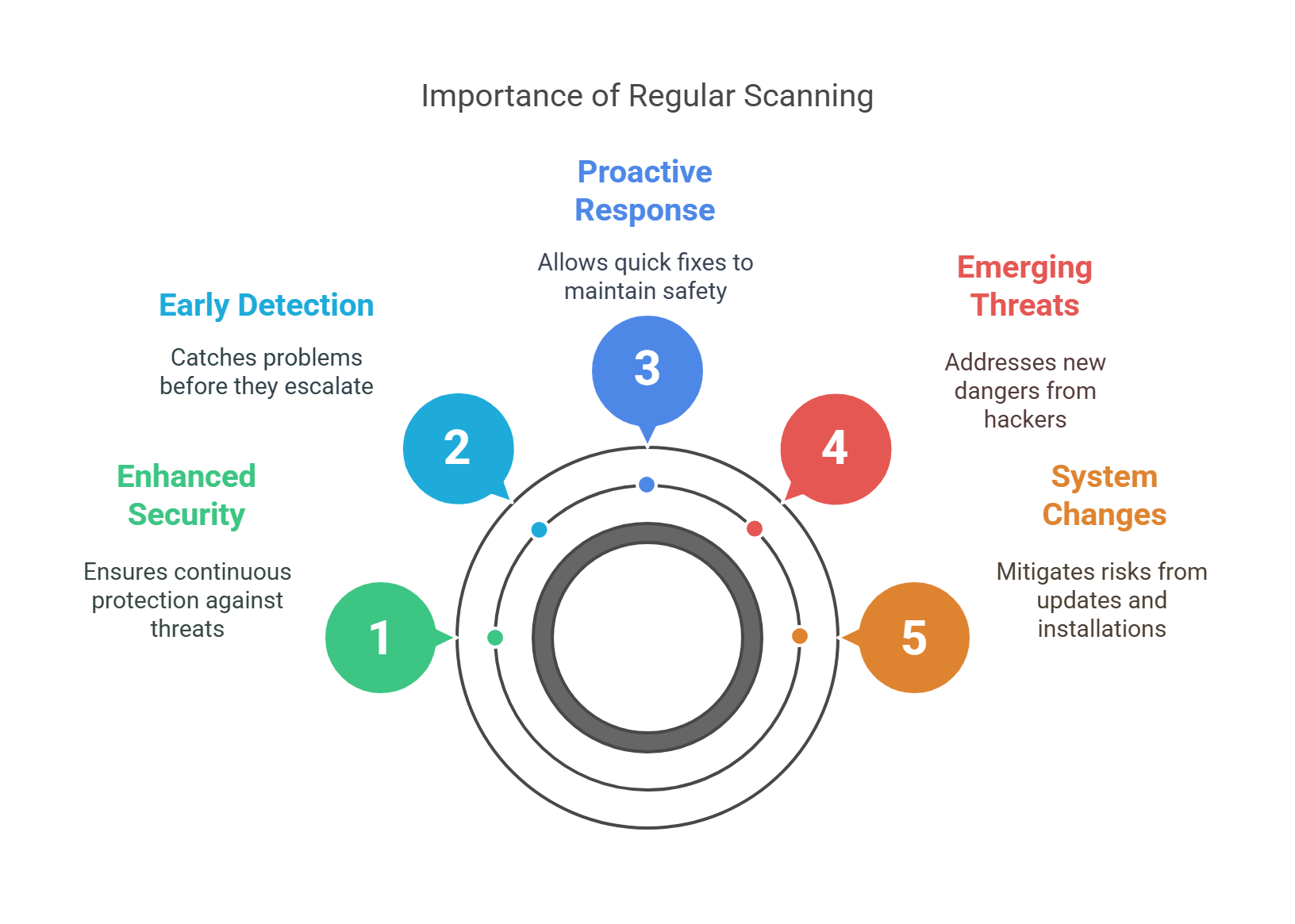
Scanning often keeps you ahead of trouble.
How Do Vulnerability Scanners Work?
A vulnerability scanner checks your devices, websites, and software. It looks for things like:
- Open ports (doors hackers can use)
- Weak passwords
- Outdated software
- Missing security updates
It checks your setup against a list of known problems. Then, it shows you what needs fixing.

There are two main types of scans:
- External Scan – Tests your system from the outside, like a hacker would.
- Internal Scan – Tests from inside your network, like your IT team would.
Both are important to stay safe.
How Often Should You Scan?
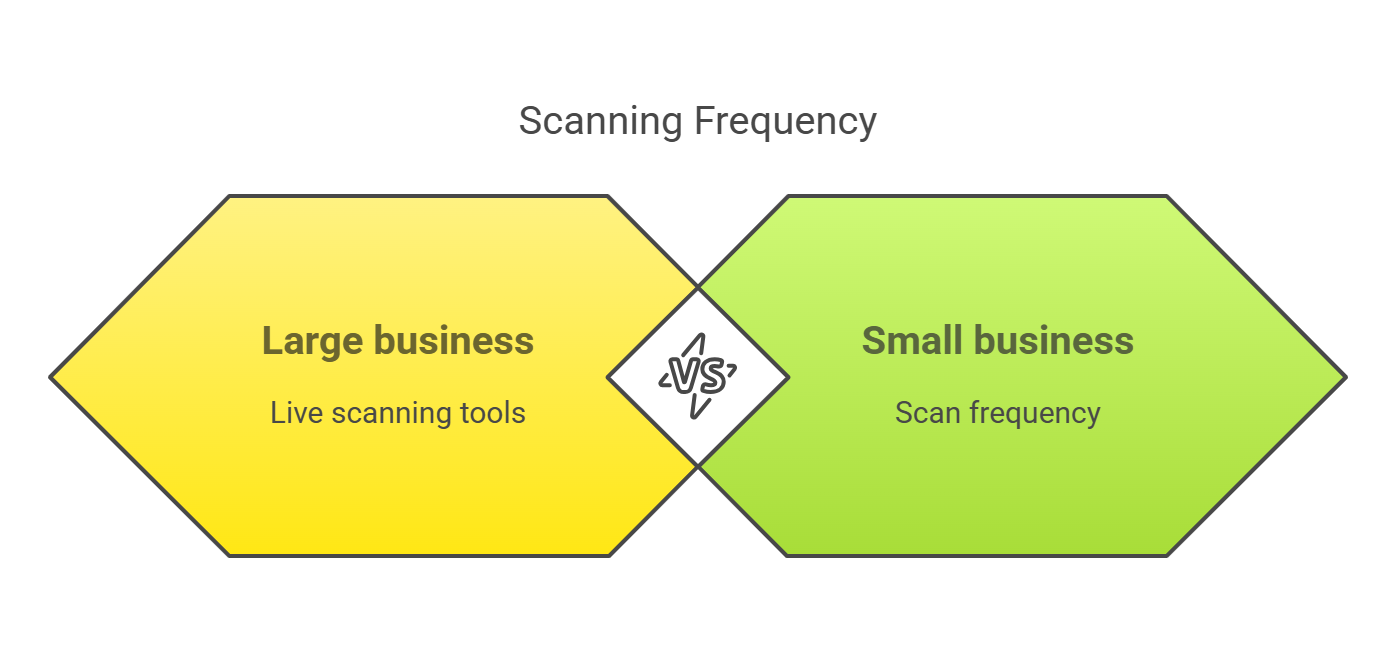
The best scanning schedule depends on your business size:
- Small business – Scan once a month
- Medium business – Scan once a week
- Large business – Scan daily or use live scanning tools
You should also scan:
- After adding new software or hardware
- After major updates
- After any attack or security issue
Why Regular Scanning Is Good
1. Find Problems Early
Scanning often helps you fix issues before hackers find them.
2. Save Money
Fixing a small issue is cheap. Fixing a big one after a hack is not.
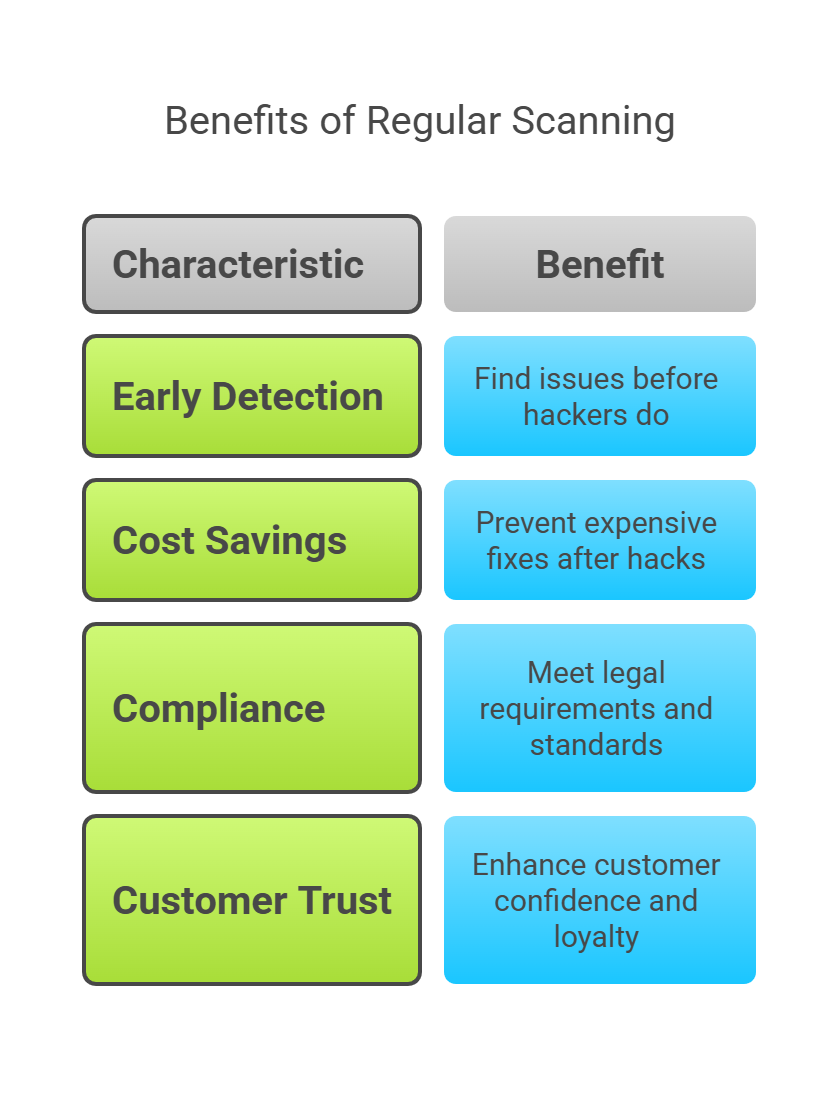
3. Follow the Rules
Many laws ask businesses to check their systems often. Scanning helps you stay compliant.
4. Build Trust
When your customers know you scan for problems, they trust you more.
Easy Tools You Can Use
There are many tools that help you scan:
- Nessus – Easy and powerful
- OpenVAS – Free and open-source
- Qualys – Great for cloud systems
- Rapid7 InsightVM – Easy to use with good features
- Nikto – Best for scanning websites
Pick the one that fits your needs and budget.
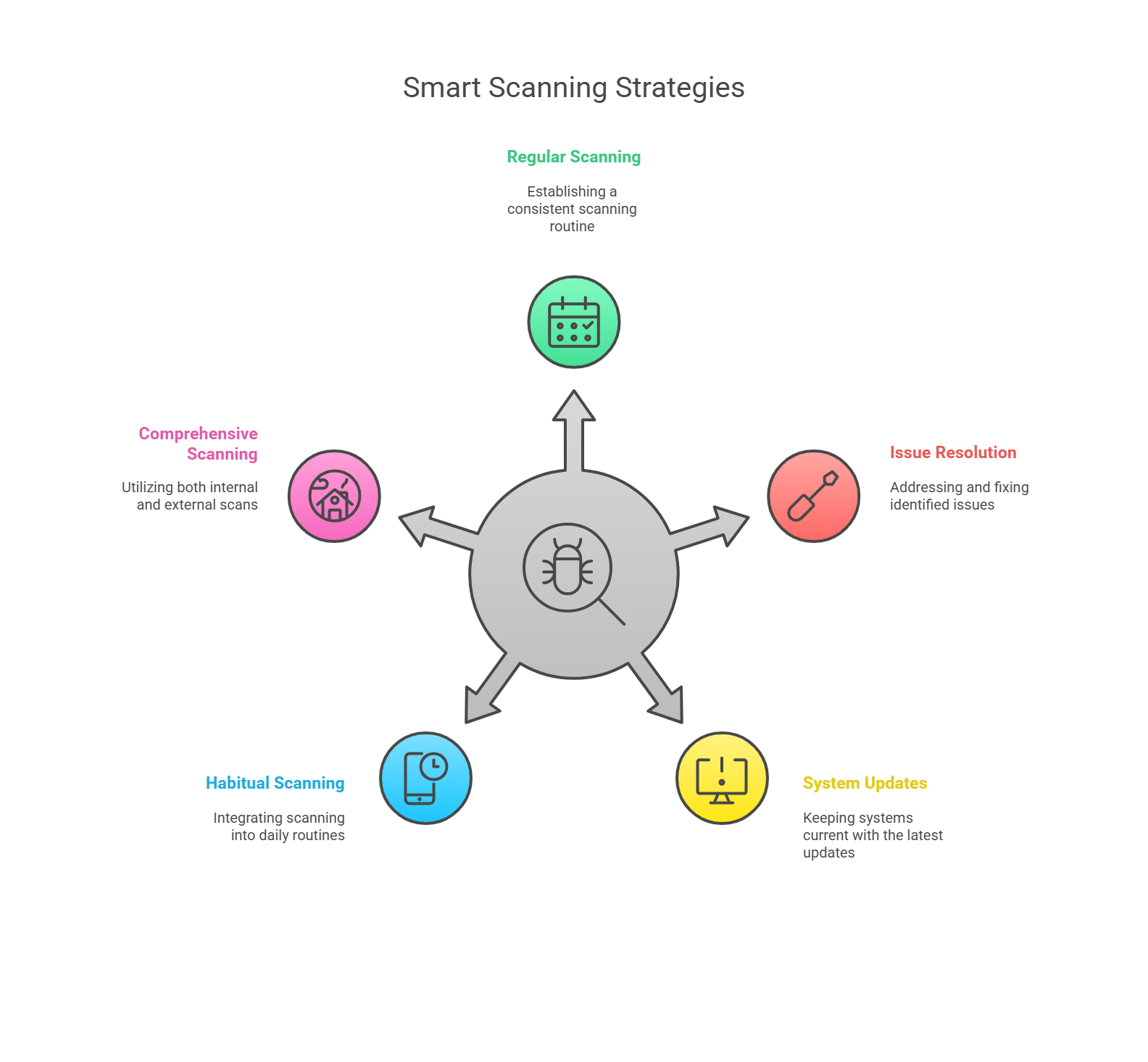
Tips for Smart Scanning
- Set a schedule and stick to it.
- Always fix the issues the scan finds.
- Keep your systems updated.
- Don’t scan just once—make it a habit.
- Use both inside and outside scans.
Final Words
Regular vulnerability scanning is simple but powerful. It helps you stay safe, save money, and follow rules. Whether your business is big or small, scanning is a smart move.
Make scanning part of your regular tasks. It’s a small step that gives you big protection.